Reverse-engineering a legacy WordPress platform
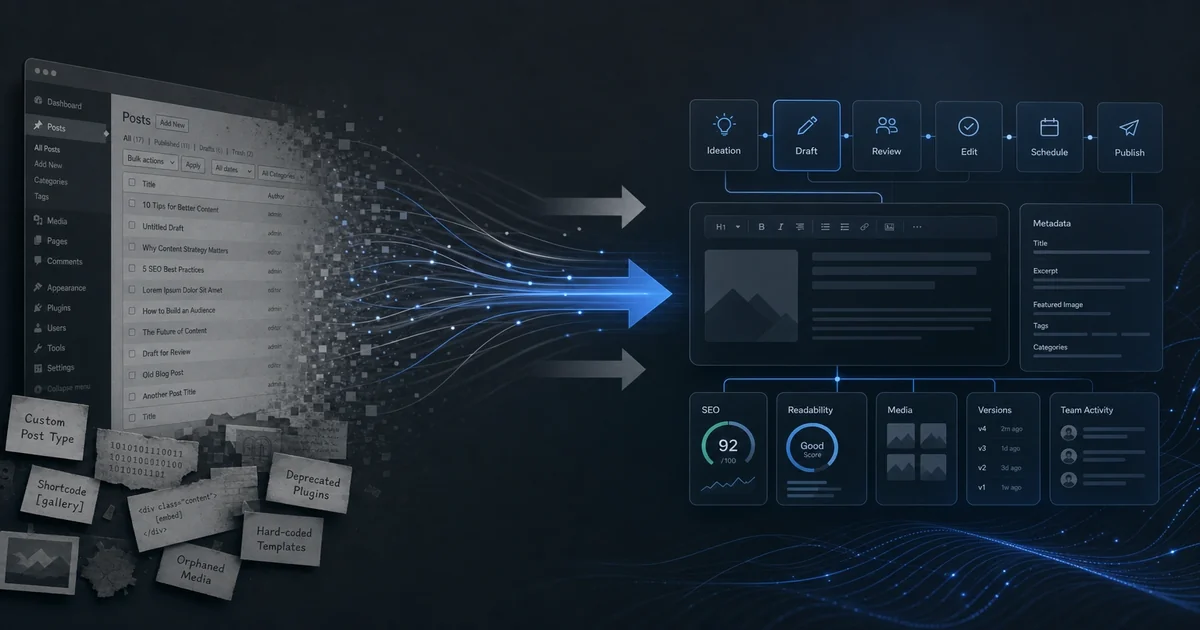
Every WordPress site tells a story if you know how to read it. We recently took on a consulting engagement to reverse-engineer a legacy WordPress platform that had grown organically over six years. No documentation, no onboarding, no access to the original developer. Just a WordPress install with suspicious plugins and a hope that the data could be understood. This is how we approached it — and what we found that still matters for anyone running WordPress today.
Why WordPress Migrations Feel Like Archaeology
The client came to us with a WordPress instance that had become essential to their operation. It ran their editorial workflow, managed writer and editor accounts, handled form submissions, and integrated with external services through Zapier. But nobody outside the original developer understood how it worked. When things broke, they called us. When they wanted to add another publication channel, they called us. And when they needed to migrate to cleaner infrastructure, they called us.
The problem wasn't code quality — it was tribal knowledge. Every custom role, every form handler, every weird permission existed in someone's head. We needed to understand the platform well enough to support it, extend it, and eventually migrate off it without breaking the business. That's when you realize WordPress migrations aren't technical problems — they're archaeological ones.
What "Bolt-On Content" Means Technically
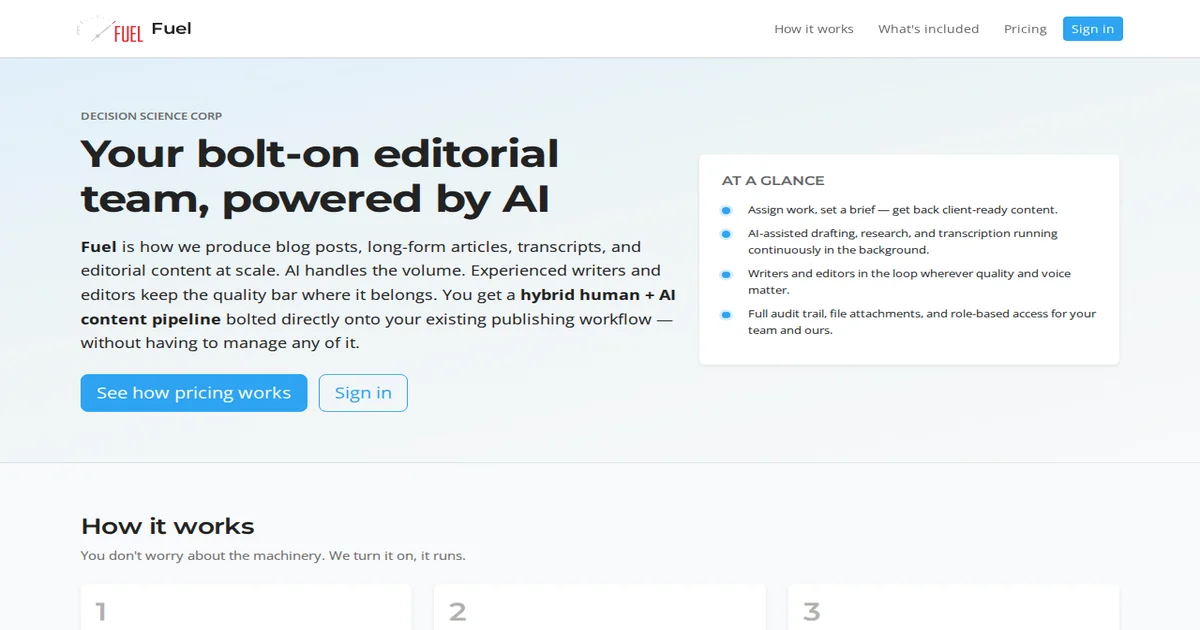
The platform — they called it Fuel — was positioned as a "bolt-on content solution." That sounds like marketing, but it has a precise technical meaning: the platform was a WordPress shell that provided editorial capabilities layered on top of WordPress's core functionality without building a custom application.
Here's what that looked like in practice: the site wasn't built on custom PHP code or a headless CMS. It was WordPress with a set of plugins that together created an editorial workflow. The "bolt-on" was Gravity Forms for data entry (not the public-facing side, but the admin interface where writers and editors worked), divi for design, Members for custom roles, and Zapier for integrations.
The key insight was that "form-driven workflows" replaced custom application code. Every workflow — writer intake, editor review, publisher approval — ran through a form. The form submission created a post, updated a status, triggered an action. This meant the entire application state lived in Gravity Forms submissions and WordPress posts, with no custom code to maintain. For an operation running multiple editorial outlets on one platform, this was elegant: add a form, you have a new workflow.
The Role Model Pattern
The most valuable thing we reverse-engineered was the role model. The platform had a custom role hierarchy that mapped directly to editorial workflow:
- Writers could create and submit content but couldn't publish. - Editors could edit anything and manage the review queue. - Publishers controlled what actually shipped. - Additionally, some outlets had their own publisher roles — specific to a channel (we'll call them outlet-scoped) — so the same platform could handle multiple publications with different people overseeing each.
This pattern works because it keeps the workflow simple: write, edit, publish. Every other feature in the platform exists to support that flow. When someone asks "who can do what," you point to the role model. That's your access control document.
The important part wasn't the specific role slugs — which we verified through database queries — but the hierarchy itself. The pattern extends cleanly to multi-outlet publishers: same system, same workflow, different publishers for each channel.
Gravity Forms as the Real Application Layer
If you only looked at WordPress, you'd miss where the application actually lives. In Fuel, the forms were the application layer. Writers didn't create posts through the WordPress admin — they filled out a form. The form created the post, assigned it a status, and could trigger other actions.
This is a common WordPress pattern: use Gravity Forms as a state machine instead of building custom admin interfaces. The form handles input validation, creates posts or updates postmeta, and can trigger anything through its add-ons — email notifications, Zapier webhooks, custom redirects. What you'd normally build as custom code becomes configuration.
For migrations, this means you can't just export WordPress posts and import them somewhere else. The form submissions created the application state. If you need the full picture, you're reading WordPress posts AND Gravity Forms entries AND the forms themselves. The data lives in multiple tables with cross-references.
Where Permissions Actually Live
A common mistake is assuming WordPress's native roles handle everything. They don't. Fuel paired WordPress roles with the Members plugin for fine-grained content permissions, plus the Divi theme for page-level access, plus Peter Login Redirect for post-login routing.
The real access control was layered:
- WordPress roles gave broad capability (can log in, can access admin) - Members plugin narrowed content by role and content-specific permissions - The theme controlled what pages appeared for each role - Login redirects sent people to different dashboards based on their role
If you're reversing a WordPress platform, start with the Members plugin configuration. That's where the actual permissions live. Look at role objects and content permissions, not just WordPress capability flags.
Migration Lessons
We did the assessment as a read-only operation. Clone the filesystem with WP-CLI, dump the database with WP-CLI, read everything you can from the command line. Do not log into the production admin and start clicking. You're not there to fix anything — you're there to understand.
We found some keys to the migration:
- Database prefix lets you identify what's core WordPress and what's plugin-specific - Gravity Forms entries live in their own tables, not wp_postmeta — don't leave them behind - Divi layouts in the database are serialised PHP arrays — restore carefully or the theme won't load - Zapier configurations leave no local trace — document what you see but assume there are Webhook destinations you
The migration itself was DreamHost (shared hosting) to a clean LEMP VPS. Classic path for these platforms: shared hosting hits resource limits, migration to dedicated or VPS solves that.
What We'd Do Differently
If we were building this today, we'd make a few different choices:
- Custom post types instead of Gravity Forms submissions for core content. Forms are great for input, but they create data in wp_postmeta that doesn't integrate cleanly with the WordPress REST API. True custom post types give you a better foundation.
- Document the capability map in a markdown file. For every role, write down what they can see and do. That's your access control contract — don't rely on reverse-engineering.
- Zapier mappings somewhere external. They're business-critical integrations, but the configuration lives in Zapier's cloud, not on your server. Document what you can infer, but don't assume you'll fully replicate them.
That said, WordPress is still the right backbone for this use case. Gravity Forms + Members + Zapier is a proven stack for editorial workflows. It's not the shiniest solution, but it works reliably, has great ecosystem support, and thousands of plugins handle edge cases.
Close
Reverse-engineering a legacy WordPress platform isn't glamorous work. It's methodical — read the database tables, trace the form submissions, map the roles, and document what you find. But it reveals patterns that stay in place for years.
Fuel was WordPress with a form-driven workflow, role-based access control, and Zapier as the integration layer. That's a common pattern that we see everywhere — not just in WordPress, but in any CMS-growing platform that adds plugins instead of building custom code.
If you're migrating or supporting a legacy WordPress platform like this, start with roles. Roles tell you who can do what, and everything else flows from there. Done well, it's a clean separation: roles define access, forms define input, Zapier defines output. That's a bulletproof architecture for any editorial product.
If you are weighing build-vs-buy on infrastructure like this—and the real question is what to commit to next—describe the decision you are facing. We scope around outcomes, not open-ended tours.