Invoicing app bootstrap in one day: repo, DNS, multihost, certbot
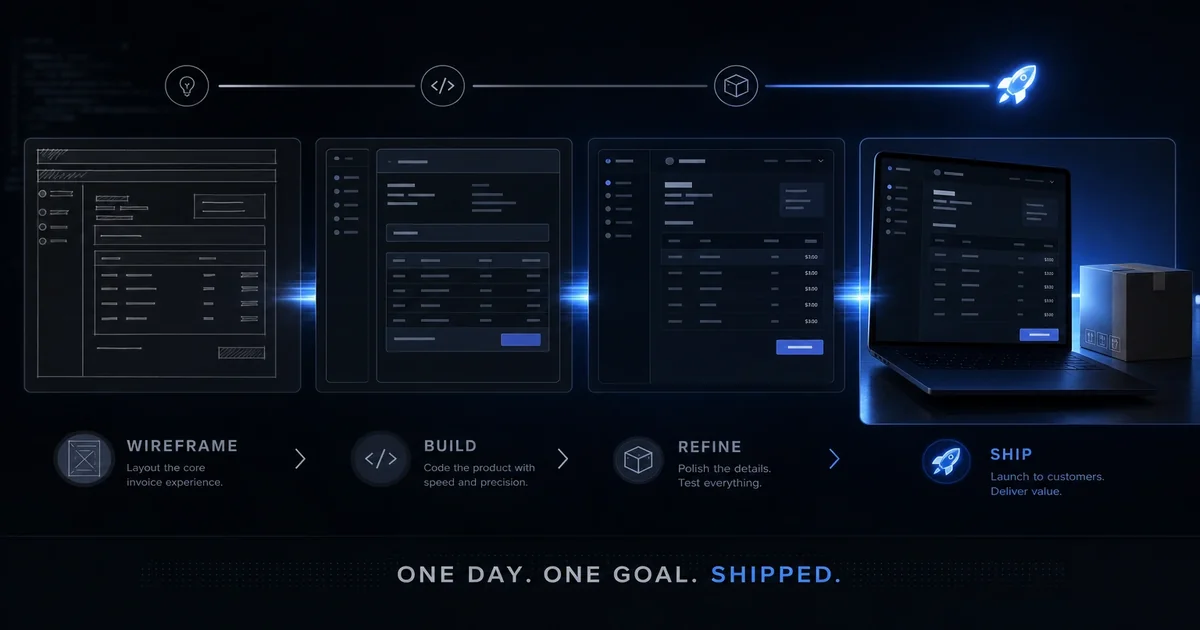
Every new web app needs four things before anyone can use it: a repo, DNS, a host, and TLS. Most teams treat that as a week of work. We treat it as one afternoon. Here is the exact sequence we ran to stand up our new invoicing app from empty repo to live HTTPS in a single day.
Stack note: The invoicing app runs on SQLite on our multihost pattern — one db/ directory beside the PHP docroot, owned by www-data, not a shared MariaDB instance across unrelated vhosts.
The Problem We Solved
Every new application used to take us a week. Not because building the app was hard — because provisioning the infrastructure was. We'd create the repo, set up DNS, configure the web server, install certificates, verify everything worked, and then start on the actual application. That's backwards. The infrastructure should be a checklist, not a project.
We needed a process that we could run the same way every time, regardless of the application. Something repeatable that took hours instead of days. That's where the bootstrap pattern came from.
Day One Checklist
Every new application starts here:
- Create the repository on GitHub (decisionsciencecorp/invoicing)
- Configure DNS records
- Provision the multihost vhost
- Install TLS certificates
- Verify everything resolves
That's it. Five steps, and we've done each one so many times that it's muscle memory. Here's how each one works.
Public repository — Invoicing: decisionsciencecorp/invoicing — Example application repo from this bootstrap — clone the pattern, not just the prose.
Creating the Repository
We start with a template. Our application template includes:
- A standard directory structure (controllers, models, views, public/)
- A base configuration file that loads environment variables
- A deployment script that expects to run on our multihost stack
- A simple README with setup instructions
Every new app starts from the template. We clone, we rename a few references, we push. That's the entire repo setup. This takes fifteen minutes.
What's in the template isn't important — what matters is that the pattern is consistent. Every app you create should start from something, and that something should be the same every time.
DNS Configuration
DNS is where things get interesting. We configure DNS in two places:
First, A records at our DNS provider — Cloudflare, in our case. Every new app gets an A record pointing to our multihost server IP. That's standard.
Second, CNAME records for any subdomains. Our invoicing app runs at invoicing.decisionsciencecorp.com, but we also want www.invoicing.decisionsciencecorp.com. That's a CNAME to the primary A record.
Here's the critical part: DNS propagates slowly. We set TTL to 300 (five minutes) a day before we make changes, which makes propagation faster. But we also know that some DNS resolvers cache longer. We plan for a twelve-hour window where things might not work perfectly.
The other lesson: document every DNS change you make. We keep a log in our internal wiki of every record we create, why we created it, and when. This has saved us countless times when something breaks and we can't remember what we changed.
Multihost Provisioning
This is where our multihost pattern pays off. Provisioning a new vhost is:
 # Create the directory structure
 mkdir -p /var/www//{html,db}

# Set ownership
 chown -R www-data:www-data /var/www/invoicing

# Set permissions (standard pattern)
 find /var/www//html -type f -exec chmod 644 {} \;
 find /var/www//html -type d -exec chmod 755 {} \;
 chmod 775 /var/www//db
That's the core of provisioning. We also add an nginx configuration for this vhost — a standard template that we fill in with the domain name. That's another fifteen minutes.
Everything after this is the same pattern we've used for every vhost we've ever created. There's no magic, and there's no reason to customize for individual applications.
Certbot and TLS
TLS is the easiest part now. Certbot automates everything:
sudo certbot --nginx -d invoicing.decisionsciencecorp.com -d www.invoicing.decisionsciencecorp.comThat's it. Certbot handles the certificate request, the installation, and the nginx configuration. It also sets up automatic renewal.
The critical part is the renewal. We verify that renewal works by running:
sudo certbot renew --dry-runThat tests the renewal process without actually creating new certificates. We run this for every new site within the first hour. That's how we catch configuration problems before they become emergencies.
Verification Steps
After everything is set up, we verify each piece:
- DNS resolves:
dig invoicing.decisionsciencecorp.com— check the A record- Web server responds:
curl -I https://invoicing.decisionsciencecorp.com— check HTTP status - TLS is valid:
openssl s_client -connect invoicing.decisionsciencecorp.com:443— check the certificate - Database path works: verify the directory is writable from PHP
- Web server responds:
We do this for every new site as a sanity check. If any of these fail, we'd rather know now than hear about it from a user.
What Makes This Repeatable
The real power of this bootstrap process is that it's a checklist, not a project. There's no custom work in provisioning a new application. Everything comes from templates, patterns we've used before, and scripts we've refined over dozens of applications.
Here's what makes it repeatable:
- Every application starts from the same template
- Every nginx config is a copy with the domain name changed
- Every DNS record follows the same pattern
- Every certificate installation uses the same certbot command
That's the key insight: the less custom work you do for each new application, the less you can break, and the faster you can iterate.
What We Could Do Differently
If we could start over, here are the things we'd emphasize:
- Automate the entire checklist into a single script that runs everything. We've since moved some of this into Ansible, but we could have done it earlier.
- Better testing of the provisioning steps. We've since added automated smoke tests after provisioning that verify every step works.
- More consistent templates across projects. We learned over time which pieces of the template were valuable and which weren't.
Close
We've bootstrapped dozens of applications with this pattern, and it works every time. The key isn't the tools — it's the discipline of following the same checklist every single time without shortcuts. That's how we avoid the provisioning rot that makes infrastructure fragile.
If you're building new applications and you find yourself starting from scratch each time, that's your sign. Build your bootstrap process once, use it for every application, and keep refining it. That's how you go from a week of infrastructure work to a day of infrastructure work.
If you are weighing build-vs-buy on infrastructure like this—and the real question is what to commit to next—describe the decision you are facing. We scope around outcomes, not open-ended tours.