"Bolt-on content" products: when WordPress is the right backbone
Publishers ask us the same question repeatedly: "Should we build a custom CMS or use WordPress?" Our answer depends on what you're actually building. If your product is an editorial operations layer — forms for data collection, roles for permissions, WordPress for authentication and storage — the simpler answer is often WordPress, used deliberately. Not a Divi brochure site. Not forty plugins. A bolt-on content backbone.
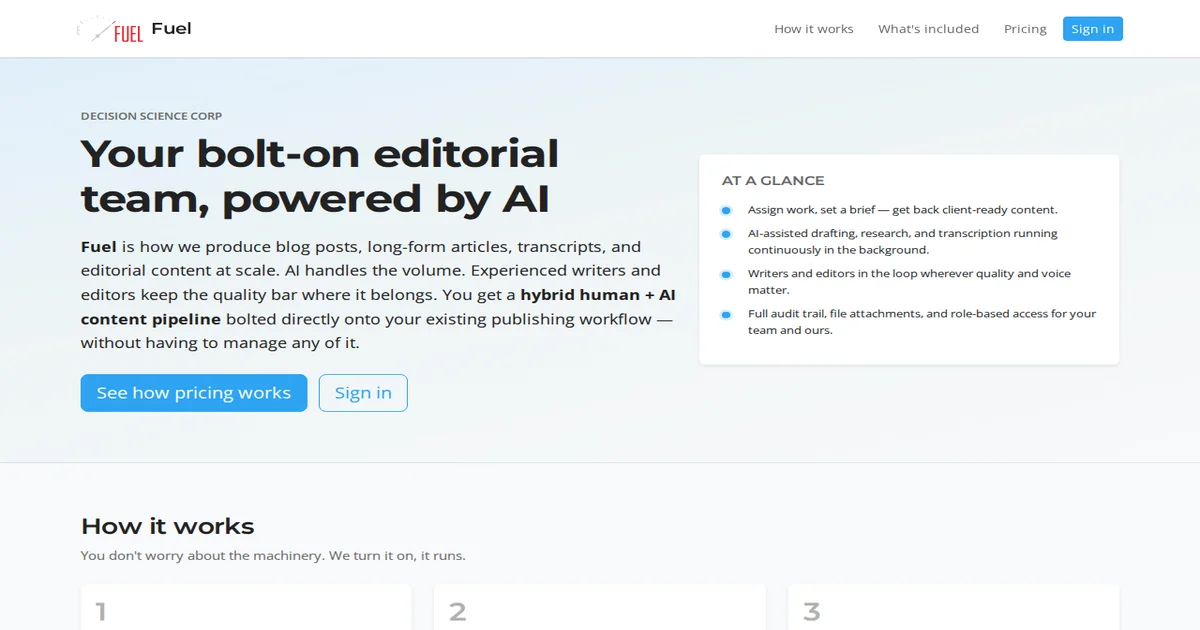
This is the pattern we've used for Fuel, the editorial people-management platform co-developed by Mick Jones and Mark Hopkins. WordPress isn't the product — the product is the workflow sitting on top of it.
The Bolt-on Pattern Defined
"Bolt-on" means: WordPress as your authentication and storage backbone, with forms and roles as the product interface. The core WordPress install handles user accounts, session management, and database persistence. Your "product" is a small set of plugins and workflows that transform WordPress into something specific.
For Fuel, this looks like:
- WP core: Authentication, user accounts, database - Gravity Forms: Data input — assignment submissions, article drafts, editorial reviews, word-count billing - Members plugin: Role-based access control at the outlet level — writers see assignments, editors see submissions, publishers see everything - Custom post types: Assignment tracking, submission workflows, revision history
The "product" is three plugins and custom post types. Not a custom application. WordPress handles what it handles well — auth, sessions, CRUD — and we build around that.
This isn't vanilla WordPress blogging. It's not a marketing site with a contact form. It's a vertical-specific tool built on WordPress because WordPress does authentication and storage reliably, and our users already know the admin interface.
When This Pattern Fits
The bolt-on WordPress pattern works when:
Your data flows through forms: Intake, assignments, submissions, reviews — if a form can capture it, Gravity Forms (or a simple custom form plugin) can store it in WordPress posts. The alternative is building a CRUD API, which is more work than most products need initially.
Your team knows WP admin: Writers and editors already know WordPress. Training on a custom CMS adds friction. Using the WP admin they're familiar with means faster onboarding.
Speed to ship matters: Custom auth + database + admin UI is weeks of work. WordPress gives you that in hours. The bolt-on pattern ships products faster.
You're building editorial or content operations: Multi-user workflows with roles, permissions, assignments, submissions — this is exactly what WordPress + Members does. You don't need a custom app yet.
Moderate scale: Fuel serves a couple hundred users comfortably on WordPress. If you're hitting thousands of concurrent users or complex relational queries, that's when to reconsider. But for most editorial operations, WordPress scales fine.
What these have in common: the product is workflow around content, not complex relational data. Forms capture input. Roles gate access. WordPress stores the rest.
When to Leave WordPress
The bolt-on pattern breaks when:
You're building API-first agent workflows: When your product's primary interface is programmatic — agents calling APIs, automated pipelines, programmatic data flows — WordPress adds unnecessary overhead. Custom storage with a clean API fits better.
Complex relational data in custom applications: User → Organization → Subscription → Invoice → Payment. This isn't posts and meta. You'll fight WordPress to make this work. A proper relational database with a custom data model is cleaner.
Real-time operational tools: Point-of-sale, live dashboards, real-time collaboration. These need custom architectures optimized for their specific performance profiles. WordPress wasn't designed for this.
CRM pipeline tools: Deal stages, opportunity progression, automation workflows. These are custom apps. WordPress doesn't fit naturally — you'd spend more time fighting the model than building the product.
Performance at extreme scale: WordPress handles moderate traffic. If you're building for thousands of concurrent requests at real-time speeds, custom is worth the investment.
The question to ask yourself: "Am I building editorial workflows around content (the bolt-on pattern), or am I building a generic data application?" The former stays on WordPress. The latter needs something else entirely.
The Failure Mode: Plugin Soup
We've seen the "WordPress product" mistake repeatedly. A team decides WordPress is faster, installs twelve plugins, builds workflows by piling on more — Gravity Forms, ACF, Members, WP User Frontend, WP All Import, three caching plugins, security plugins. They have forty plugins and no architecture.
This fails because:
- plugin conflicts cascade — updating one breaks another - performance degrades — every plugin adds database queries - security worsens — each plugin is an attack surface - migrations become impossible — the site is the plugin configuration
The bolt-on pattern works because it's *deliberately simple*: core + three plugins + custom post types + roles. Not plugin soup. Architecture with constraints.
Fuel uses a bounded plugin set on purpose — Gravity Forms for data, Members for roles, and supporting utilities — not a growing pile of overlapping tools. When you need fifteen plugins just to make the workflow hang together, that is usually a signal to stop bolting on and build custom instead.
If your WordPress "product" requires fifteen plugins to function, you're not building a bolt-on — you're building a house of cards.
Closing
The bolt-on WordPress pattern fits specific products: editorial workflows, content operations, role-based publishing tools. It doesn't fit everything. When your data model becomes complex, when your product is API-first, when you're building real-time tools — leave WordPress and build custom.
If you're evaluating WordPress for a product, ask: "Is this editorial operations around content?" If yes, the bolt-on pattern might be right. If no, build custom.
If you are weighing build-vs-buy on infrastructure like this—and the real question is what to commit to next—describe the decision you are facing. We scope around outcomes, not open-ended tours.